
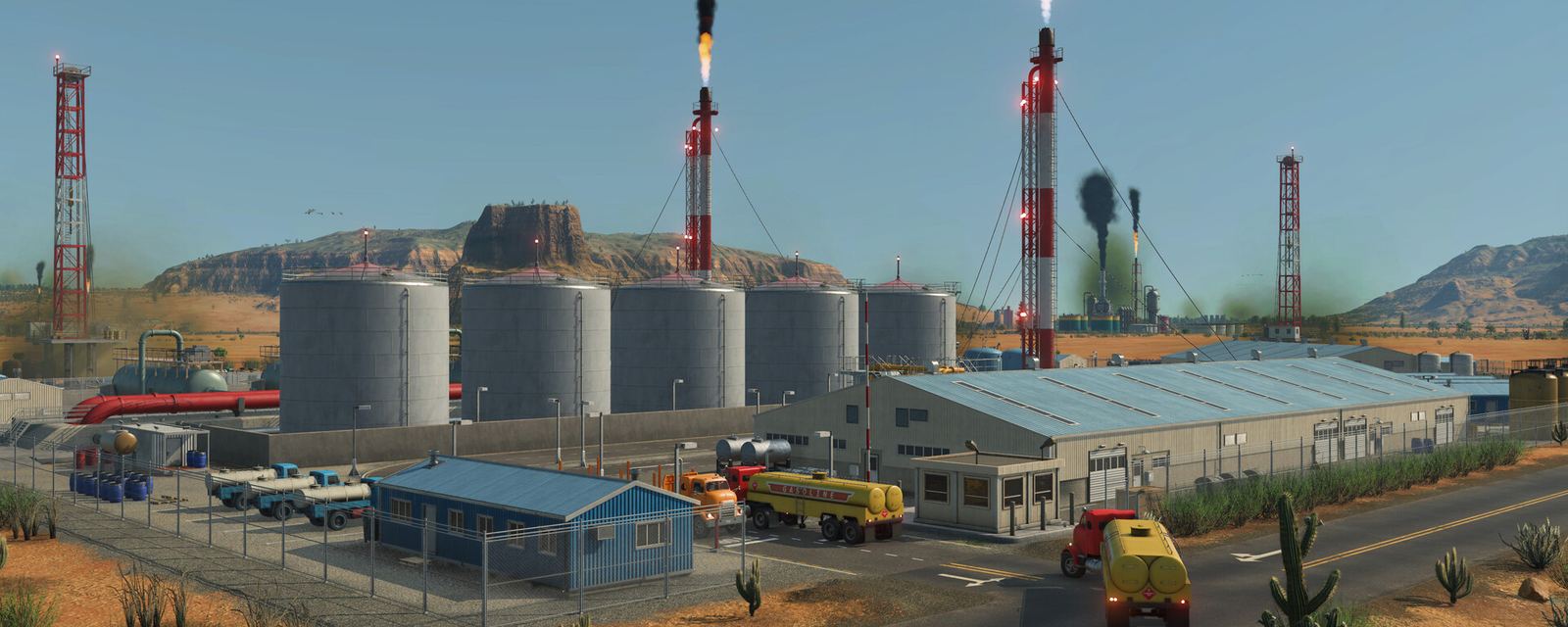
 © 2026 Urban Games / Paradox Interactive
Transport Fever 3 Warehouse Cargo Stuck: Why & What to Do
Why cargo gets stuck in a Transport Fever 3 warehouse and what fixes it: storage sections, onward lines, and the TF2 habits that break here.
A full warehouse in Transport Fever 3 is a diagnosis, not a disaster. Warehouses are the game's only cargo storage — ports, stations and depots no longer hold anything — so when one backs up, the stuck goods are telling you exactly which half of the line failed: the inbound leg that delivered them, or the outbound leg that was supposed to collect them. This page separates the two, lists the checks in the order that finds the fault fastest, and flags the Transport Fever 2 habits that cause most of these jams.
First: a full warehouse means the unload worked
The most misread symptom in launch month is "my warehouse is filling up" treated as a delivery bug. It is the opposite — the inbound vehicles are unloading fine, and the outbound service is the missing half. The official store description positions warehouses as "specialized terminals for intermediate storage and logistics optimization", and intermediate is the operative word: goods are meant to pause there only until another vehicle moves them on. Walk the onward line before buying anything: does a line actually load that cargo type from this warehouse, and does its destination consume it? The cargo chain table answers the destination half in one lookup.
The stuck-cargo checklist
- Matching storage section. Warehouses are configured from modular sections — player walkthroughs this month show additional liquid tanks and bulk-storage extensions being added in the configure menu, and a warehouse can have free overall space while lacking a section for the specific good. If one product unloads and its companion does not, this is the first place to look.
- Catchment area. A warehouse only connects when it sits inside the catchment area — the circle of influence — of a dock, cargo station or industry it should serve (creator walkthrough, October 2026). A warehouse placed one street too far is invisible to the line no matter how correct everything else is.
- No road connection required — but check anyway. Creator testing shows warehouses do not need a direct road connection to function, which surprises TF2 players; what they do need is a line assigned to load the cargo. "Storage exists" and "a line collects from it" are separate checks.
- Specialization match. Community reports this month indicate each cargo has a delivery time and rating that decay in unspecialized storage while specialized goods storage halts the decay (single creator source — see evidence note). Specialize the sections for the cargo class you actually store.
- Backlog vs balance. If both directions move but the warehouse still trends full, the inbound frequency simply exceeds the outbound. Reduce inbound frequency or add an outbound vehicle — expanding storage only postpones the imbalance.
TF2 habits that cause stuck cargo here
| Transport Fever 2 habit | Transport Fever 3 reality |
|---|---|
| Stations and ports store cargo indefinitely | They store nothing; only warehouses hold goods |
| Depots double as freight buffers | Depots are for vehicle purchase/maintenance, not cargo |
| Deliver to "any station near the consumer" | Unload requires a destination that consumes the cargo, or a warehouse |
| One generic storage fits all goods | Sections/extensions match cargo classes (liquid, bulk, goods) |
The official Wiki documents warehouses in its infrastructure manual, and the store feature list names them explicitly as new for this game — so older guides that never mention them are describing last game's logistics, and their advice breaks here in exactly the ways tabulated above.
When a stuck warehouse is telling the truth
Sometimes the system is working: a warehouse near a mine should stay healthy but non-empty while it smooths uneven production. The failure signature is different — stuck cargo plus an onward line that never departs, or goods decaying in storage. If you are unsure which half failed, the cargo not unloading checklist resolves inbound problems and this page resolves storage-side ones; the warehouse guide covers placement and configuration for new builds.
FAQ
Why is my warehouse not sending cargo out?
Because a warehouse never sends anything by itself — a line must load the cargo from it and deliver it to a consumer. Check that a line actually includes this warehouse as a loading stop and that the destination consumes the cargo per the chain table. If both are true and it still will not depart, verify the loading stop's terminal matches the cargo class.
Should I delete the warehouse or add more storage?
Neither, usually. Deleting removes the only storage your delivery point has (nothing unloads without it), and adding capacity grows the backlog. The fix is downstream: add or retune the outbound line so collection matches arrival.
Warehouse vs direct delivery — which is better?
Direct delivery wins whenever an industry-to-industry or industry-to-district chain can run without a transfer, because every warehouse stop adds handling. Warehouses earn their place at ports (mandatory now, since ports store nothing), at mode transfers, and as demand buffers ahead of slow consumers.
Related guides
The inbound half of this diagnosis — cargo that never unloads anywhere — lives on the cargo not unloading page; for placement, sections and extension choices from scratch, read the warehouse guide; and to check that a stuck good actually has a consumer, use the cargo types table.
Version and evidence notes
- Warehouses as the only cargo storage / unload-requires-destination: Urban Games staff reply in official Steam discussions plus player confirmations, October 2026.
- Catchment-area requirement, modular sections and extensions, no-road-connection finding: creator walkthrough (AlphaZin, October 2026) — player-community report.
- Delivery-time decay in unspecialized storage: single creator source (Flowengineer, October 2026) — player-community report.
- Checked against Steam stable build 40420 (October 8, 2026). ← Transport Fever 3 Guide home